
@11Exch
11Exch App: Access Your Account on Mobil
For users who prefer managing their cricket betting account from a smartphone, the 11Exch app offers a mobile-focused way to access available account features. You can use it while travelling, following a match, or simply when you do not want to use a desktop device.
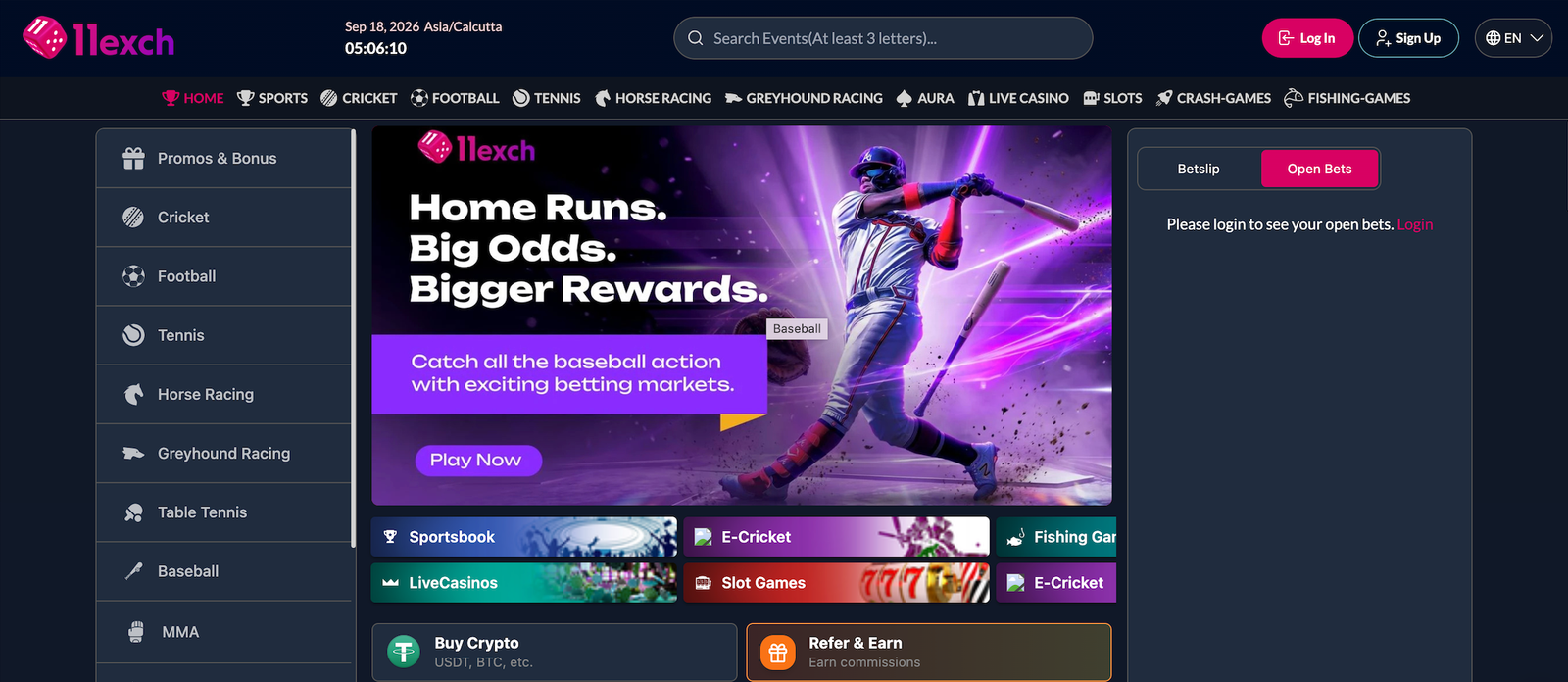
The app brings several account functions together in one mobile interface. Depending on the features currently available, users can sign in with their online cricket ID, view live match markets, manage supported transactions, and contact customer support.
Download and Set Up the App
Start by following the official 11Exch instructions for downloading the app on your compatible device. After installation, launch the application and log in with your registered credentials.
For account transactions, supported methods can include UPI, net banking, and card payments. The payment options displayed to you may depend on current availability.
Push notifications can also be enabled to receive relevant alerts, such as match updates, odds changes, offers, or bonus information.
The mobile app is designed to provide convenient access while keeping the interface responsive and suitable for smartphone use. If you use the app, make sure it is obtained from an official or trusted source and avoid sharing your login credentials with others.
Before using any betting service, check the laws and regulations applicable in your location and use the platform responsibly.
Table of Contents