
@11Exch
11Exch Login: A Simple Way to Access Your Cricket Account
To use the features available through your 11Exch online cricket ID, you first need to sign in to your account. The 11Exch login process gives you access to your account dashboard, where you can view live cricket markets, match odds, account information, available promotions, and other supported features.
You can access 11Exch from different devices, including computers, laptops, smartphones, and mobile web browsers. Once logged in, you can review upcoming matches, check your balance, manage account details, and explore available cricket markets.
How to Access Your 11Exch Account
- Open the official 11Exch website or launch its app.
- Locate the “Login” button at the top-right of the screen.
- Enter the username or email connected to your account.
- Type your registered password.
- Press “Submit” to sign in.
After completing the login, your 11Exch dashboard provides an overview of current cricket matches, available betting markets, promotional information, and your account balance.
Your account preferences remain associated with your online cricket ID, helping you access a familiar account setup whenever you sign in. The dashboard also brings important account information and relevant match updates together in one location.
Forgot Your Login Details?
If you have forgotten your password, select “Forgot Password” from the login screen. You can then follow the provided recovery instructions to reset your password and access your account again.
The 11Exch login system can be used whenever you want to access your account from a supported device and review the cricket and account features available to you.
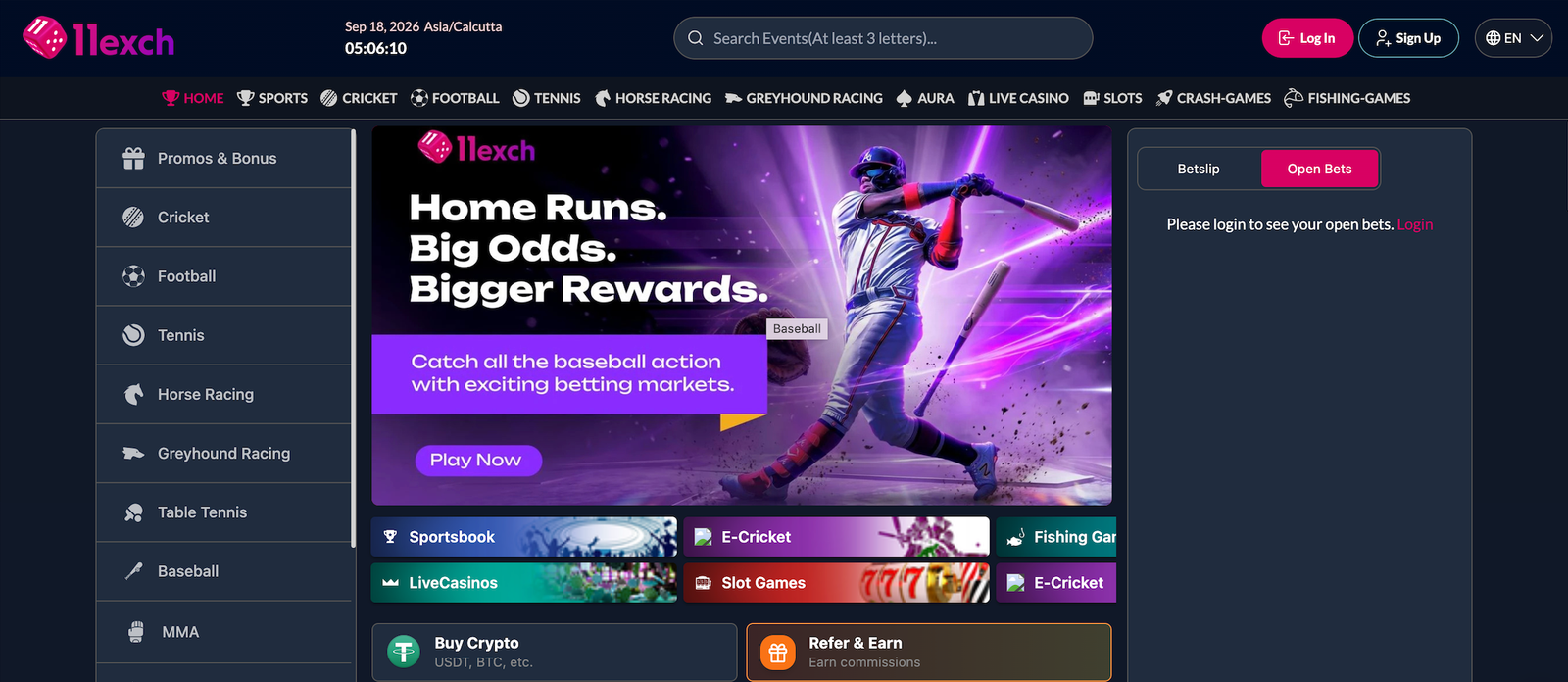
Table of Contents